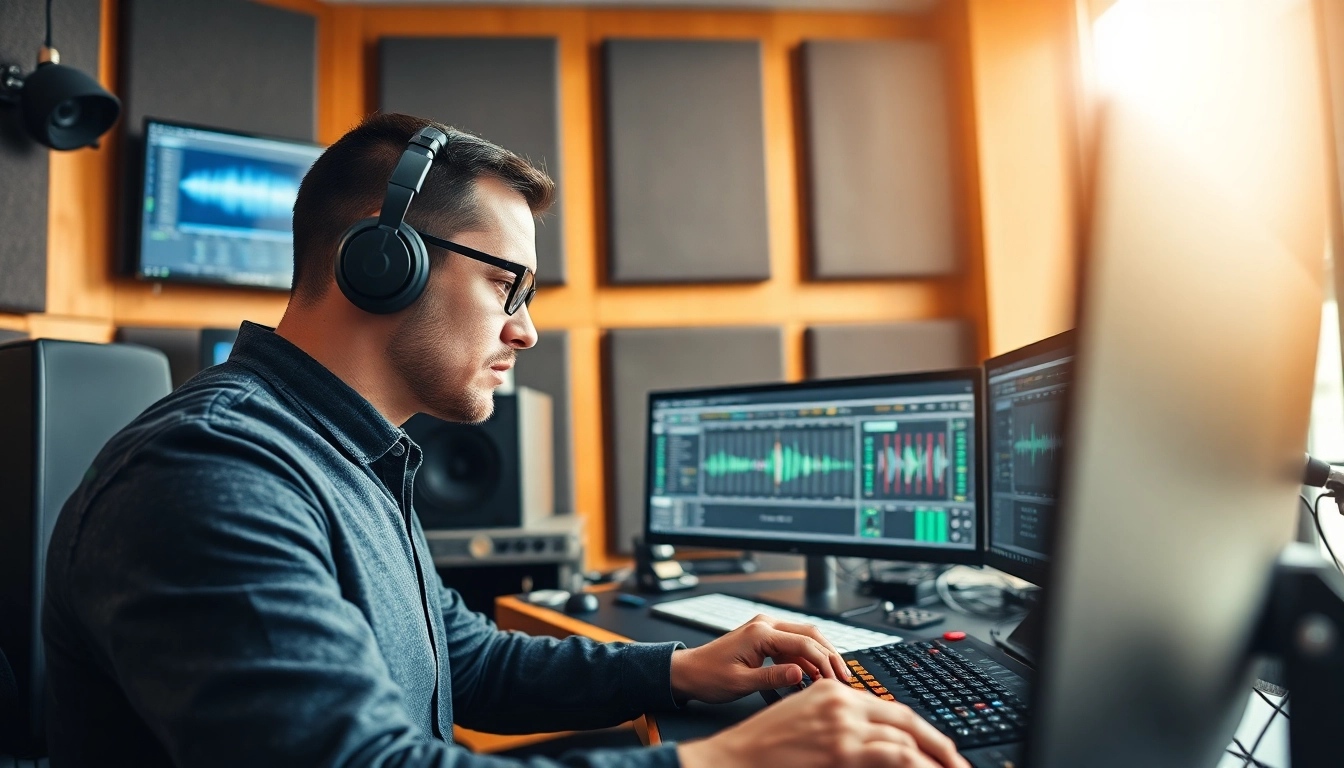
Understanding Online Audio Mastering
What is Online Audio Mastering?
Online audio mastering refers to the process of preparing and transferring recorded audio from a source to a data storage device. It involves a series of steps that ensure the sound quality is optimized for playback on various formats and devices, be it streaming platforms, vinyl, or CD. Unlike traditional mastering, which requires physical equipment and a studio, online audio mastering leverages digital platforms, enabling musicians, producers, and audio engineers to send tracks for mastering services remotely. This approach is not only convenient but also cost-effective, making high-quality audio mastering accessible to independent artists and small record labels.
Key Benefits of Online Audio Mastering
The advantages of online audio mastering are plentiful, particularly for artists seeking to enhance their sound without the prohibitive costs associated with traditional mastering studios. Key benefits include:
- Accessibility: Artists can access professional mastering services from anywhere in the world, making it easier for those in remote locations to achieve high-quality audio.
- Cost-Effectiveness: Many online mastering services offer competitive pricing structures compared to traditional studios, catering to various budgets.
- Quick Turnaround: With automated systems and efficient workflows, online mastering services often provide faster turnaround times, which is crucial in a fast-paced music industry.
- Flexible Options: Many services provide different mastering solutions tailored to specific needs, from single tracks to full albums, empowering artists with choice.
- Instant Access to Tools: Artists can leverage advanced audio processing tools without needing to invest in expensive studio equipment.
How Online Audio Mastering Works
The online audio mastering process typically involves several key steps:
- Upload: Artists upload their unmastered tracks to the mastering service’s platform, usually in high-resolution formats such as WAV or AIFF.
- Selection of Options: Users can select specific mastering options or preferences, which may include genres, desired loudness levels, or specific tonal qualities.
- Processing: The service processes the audio using advanced algorithms and professional tools. This might include equalization, compression, limiting, and stereo enhancement.
- Previewing: Many services allow artists to preview the mastered track before finalizing, enabling adjustments if necessary.
- Downloading: Once completed, artists can download the finalized tracks in various formats suitable for distribution.
Choosing the Right Online Audio Mastering Service
Factors to Consider When Selecting a Service
Choosing the right online audio mastering service can significantly impact the quality of your final track. Here are crucial factors to consider:
- Quality of Output: Check for sample tracks or user testimonials. Quality should reflect the service’s expertise.
- Turnaround Time: Assess if the service can meet your deadlines, especially if you’re working on time-sensitive projects.
- Pricing Structure: Review different pricing tiers and what they include. Consider what fits your budget while still delivering quality.
- Support and Communication: Evaluate the customer service options. Responsive support staff can make a difference when you have questions or need assistance.
- Ease of Use: The user interface and overall experience should be intuitive and straightforward.
Comparison of Popular Online Audio Mastering Services
When exploring online audio mastering services, one can find an array of options available throughout the internet. While specific names are not mentioned, a comparative overview typically includes:
- Automatic Processing vs. Manual Mastering: Automatic services use algorithms for quick results while manual ones involve professional sound engineers for personalized care.
- Quality Assurance: Some services offer revisions or guarantees on quality, which is key for ensuring satisfaction.
- Genre Specialization: Certain services may cater to specific genres, ensuring tailored mastering that enhances genre characteristics.
Common Pitfalls in Choosing Services
When selecting an online audio mastering service, artists may encounter several common pitfalls:
- Focusing Solely on Price: While budget is important, sacrificing quality for a lower price can lead to unsatisfactory results.
- Not Evaluating Samples: Failing to listen to past work can result in surprises post-mastering.
- Ignoring Turnaround Times: Underestimating finishing times might jeopardize releases.
Essential Tools for Online Audio Mastering
Must-Have Software for Audio Mastering
Several software platforms are essential for mastering audio, with varying capabilities ranging from basic to advanced functionalities:
- Digital Audio Workstations (DAWs): Programs like Pro Tools, Logic Pro, and Ableton Live are industry standards, providing robust environments for mastering.
- Specialized Mastering Software: Tools like iZotope Ozone provide comprehensive suites for mastering, including equalization, dynamic processing, and more.
- Plugins: Effect and mixing plugins, such as FabFilter and Waves, can enhance the process by adding unique sounds and manipulations.
Understanding Audio Effects and Processing
Audio effects are essential in shaping the final sound quality during mastering. Key effects include:
- Equalization (EQ): Balances different frequency ranges.
- Compression: Controls the dynamic range and adds punch.
- Limiting: Prevents distortion by capping the maximum output levels.
- Reverb and Stereo Imaging: Adds depth and space to audio tracks.
Tips for Choosing Audio Equipment
For those pursuing home mastering, selecting the right equipment is crucial. Suggested equipment includes:
- Studio Monitors: Invest in high-quality monitors for accurate sound representation.
- Audio Interfaces: Ensure that the interface provides high-definition recording and playback.
- Headphones: Use professional-grade headphones for critical listening and detail detection.
Step-by-Step Guide to Online Audio Mastering
Prepping Your Tracks for Mastering
Preparation is a crucial step in the mastering process. Here are important actions to take before allocating your track for mastering:
- Mix Down: Ensure a clean mix with clear dynamics and frequency balance.
- Bounce the Mix: Export the final mixdown in a high-resolution format.
- Reference Tracks: Select reference tracks to serve as a benchmark for your desired sound.
Getting Started with the Mastering Process
Once your tracks are prepared, the actual mastering can commence. This process includes:
- Uploading Tracks: Send the bounce to your chosen mastering service.
- Selecting Settings: Choose your mastering options based on genre and sound preferences.
- Reviewing Previews: It’s critical to listen to the previews for adjustments.
Finalizing Your Mastered Tracks
Upon receiving the mastered track:
- Check Quality: Evaluate the track on different playback systems.
- Prepare Files for Distribution: Ensure files are in the correct format for your preferred distribution platforms.
- Save and Archive: Keep backups of all final versions for future use.
Measuring Success in Online Audio Mastering
Key Performance Indicators for Mastered Tracks
To measure the success of your mastered tracks, focus on these performance indicators:
- Loudness Levels: Analyze the loudness using LUFS (Loudness Units Full Scale) to achieve optimal commercial levels.
- Dynamic Range: A healthy dynamic range maintains the track’s natural feel without being overly compressed.
- Frequency Balance: Ensure all frequency ranges are audible and well-balanced across listening devices.
Gathering Feedback on Your Mastered Audio
Once your mirrored track is ready, gather audience feedback to further enhance your outputs:
- Listener Surveys: Conduct surveys to capture direct reactions and impressions.
- Industry Feedback: Share your track with industry professionals for constructive criticism.
- Track Metrics: Analyze streaming data and sales performance to gauge listener engagement.
Continuous Improvement Through Online Audio Mastering
Online audio mastering isn’t a one-time process; it’s iterative. Regularly revisiting your past projects will help you refine your skills and understanding:
- Analyze Previous Masters: Compare earlier work with current projects to identify growth areas.
- Experiment: Try new techniques or services to discover varied results and improvements.
- Stay Informed: Keep up with emerging technologies and practices in audio mastering.
FAQs
How long does online audio mastering take?
Online audio mastering typically takes between 24 hours to a few days, depending on the service and complexity of the project.
Can I master my music myself online?
Yes, with the right software and experience, you can master your music online yourself, but professional services often yield better results.
What formats do I need for online audio mastering?
Most online audio mastering services accept WAV or AIFF files, but it’s best to check the specific requirements of the service you choose.
Will online audio mastering improve my sound?
Yes, online audio mastering can significantly enhance your sound quality by optimizing levels and applying crucial audio processing techniques.
Are there free online audio mastering tools?
Yes, several free online audio mastering tools exist, but they may have limitations compared to paid professional services.